CLAUDE.md
CLAUDE.md
This file provides guidance to Claude Code (claude.ai/code) when working with code in this repository.
Commands
Local development:
bundle exec jekyll serve
Serves the site at http://localhost:4000 with live reload.
Build for production:
bundle exec jekyll build
Output goes to _site/ (gitignored).
Install dependencies:
bundle install
Architecture
This is a minimal Jekyll 4.3 static site deployed to GitHub Pages at madanmohanuk.com.
Layout hierarchy:
_layouts/default.html— root layout: includes_includes/head.htmland_includes/sidebar.html, then renders `<div>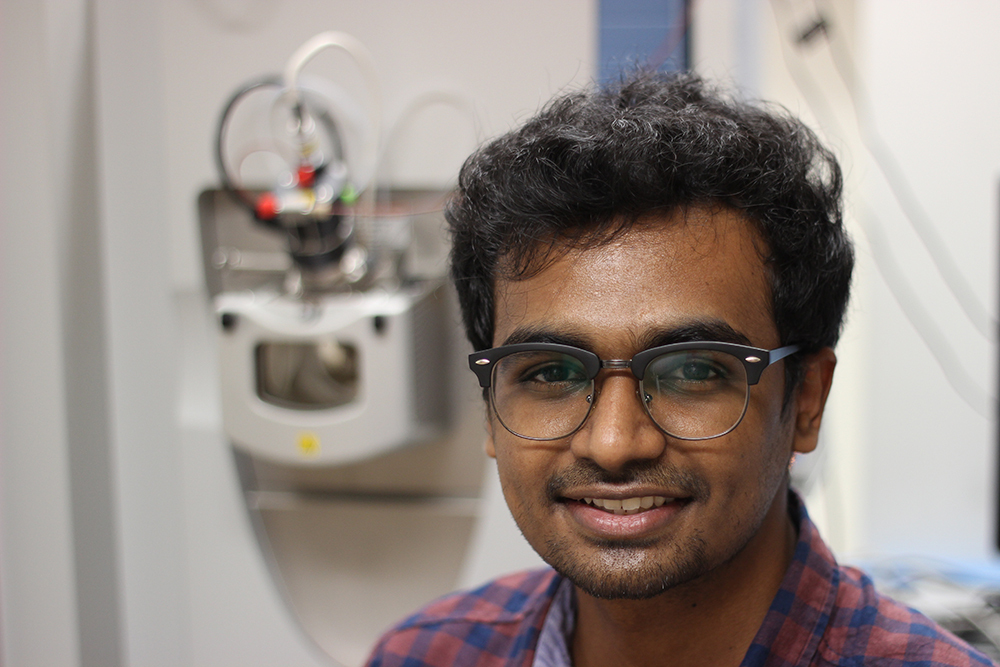
Hello, there 👋🏽
I'm a research fellow at the Cancer Science Institute, National University of Singapore. I study weird RNA-DNA hybrids called R-loops with Dennis Kappei and Jason Pitt.
I also co-host the Art of Academia podcast and write the Nel Mezzo Substack.
I've also built a Digital Lab Notebook template to help scientists organize their research.
Get in touch
If you have questions, would like to collaborate on any projects, or just want to say hi, drop me an email.
</div>`
_layouts/page.html— wraps content in a<div>, usesdefaultas its layout- All pages (
index.html,books.md) uselayout: page
Includes:
_includes/head.html— SEO tags (jekyll-seo-tag), Google Analytics (gtag), CSS/font imports, Font Awesome kit_includes/sidebar.html— fixed dark sidebar with nav links; active state is set by matchingpage.nameagainst filenames (e.g.index.html,books.md)
Styling:
assets/css/styles.css— all custom CSS; sidebar is fixed at 18rem wide on ≥48em viewports, content area usesmargin-leftto offsetassets/css/syntax.css— code syntax highlighting
Plugins (all in _config.yml):
jekyll-feed— generates/feed.xmljekyll-sitemap— generates/sitemap.xmljekyll-seo-tag— renders `
` in head
jekyll-gist— Gist embedding support
Permalink format: /:categories/:title (set in _config.yml).
Active nav link pattern: The sidebar uses `` appended to the CSS class name to switch between sidebar-nav-item and sidebar-nav-item-active. When adding new pages to the sidebar, follow this same pattern.
Deployment: Pushing to main triggers GitHub Pages to build and deploy automatically. There is no CI configuration file; deployment is handled entirely by GitHub Pages.